
iPhone mockup video
Animated iPhone mockups from your screenshots or screen recordings: iPhone 18 Pro Max, iPhone Duo (foldable), iPhone 17 Pro and more, moving with studio light.
How it works
- 1
Drop your screenshot
A screenshot, a screen recording or a whole set of them. They land on the device's screen.
- 2
Pick a device or template
Turn and light the 3D device yourself, or open an animated template and keep its motion.
- 3
Export
PNG, JPG, MP4 or transparent WebM. A batch downloads as one ZIP.
Make a iPhone mockup video
Templates
Open a phone template and your screen is already moving.
Your recording on screen
Drop a screen recording; it plays inside the device.
Stack animations
Each animation starts where the previous one ends; drag to change lengths.
Every format
16:9, 9:16 and square, MP4 or transparent WebM.
iPhone mockup video
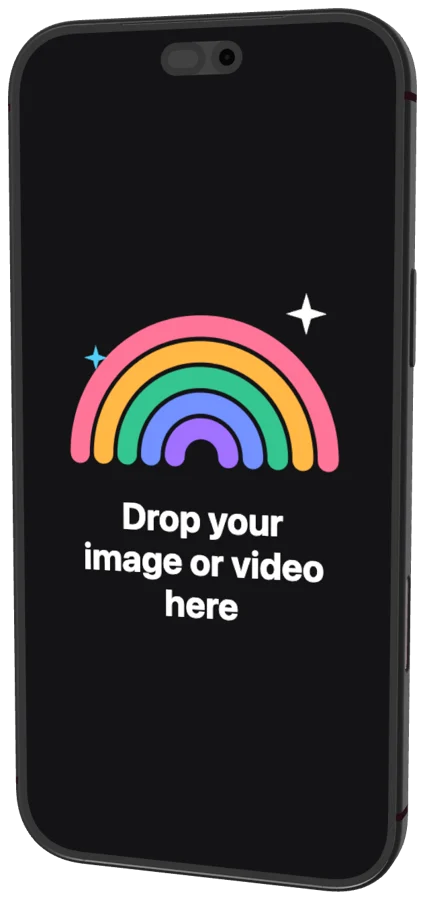 iPhone 18 Pro Max2026
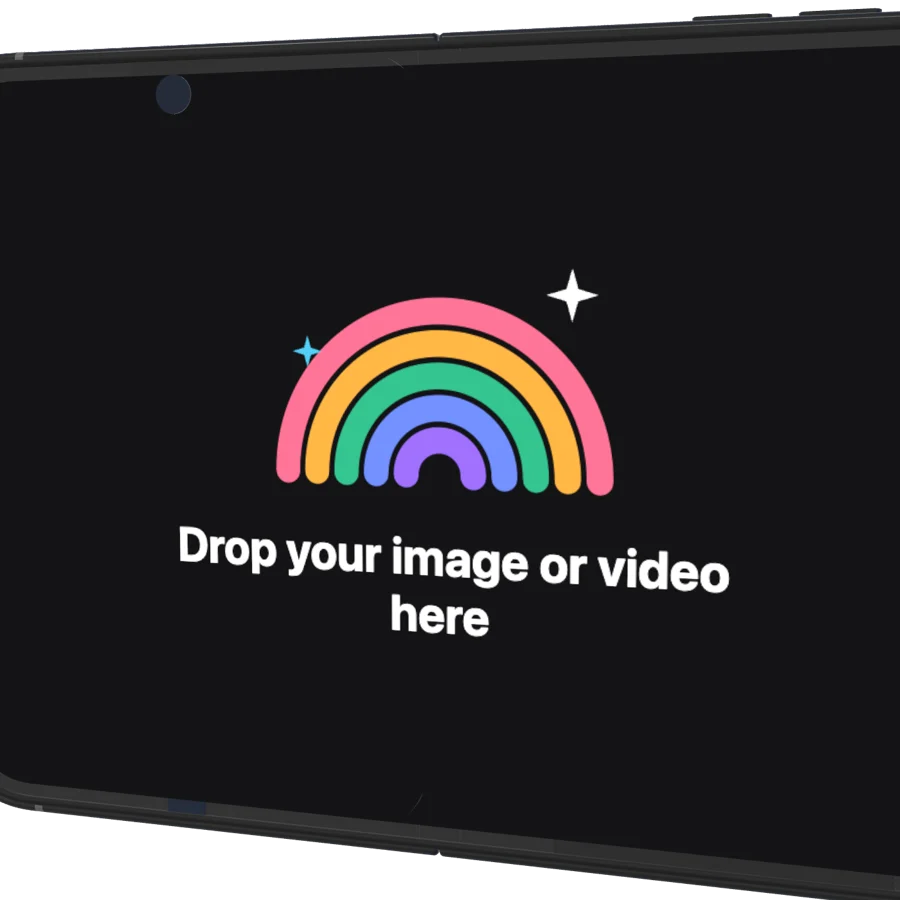 iPhone Duo (foldable)2026
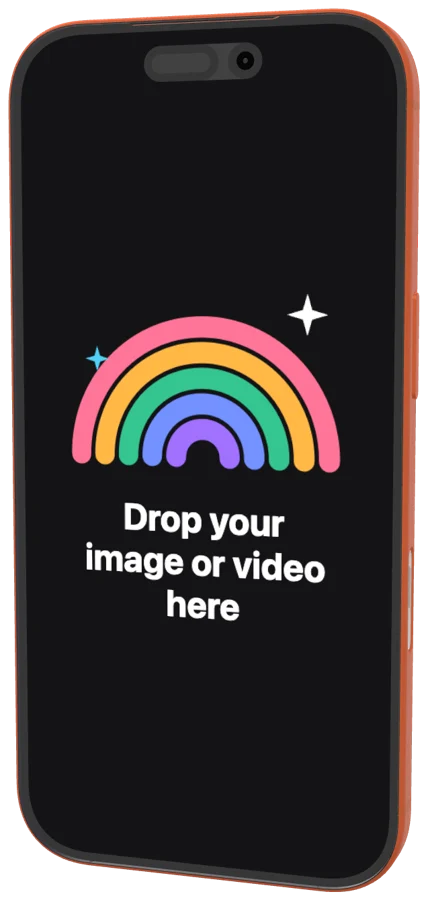 iPhone 17 Pro2025
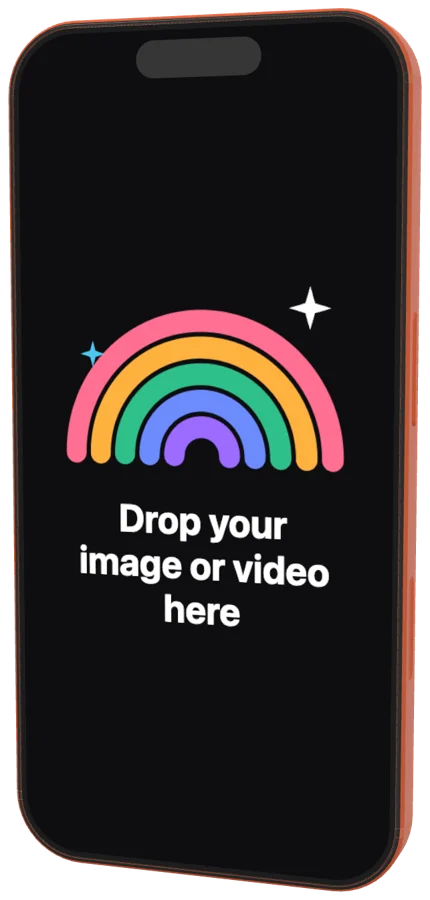 iPhone 17 Pro Max2025
 iPhone 162024
 iPhone 16 Pro2024
 iPhone 16 Pro Max2024
 iPhone 152023
 iPhone 15 Pro2023
 iPhone 15 Pro Max2023
 iPhone 14 Plus2022
 iPhone 14 Pro Max2022
 iPhone 132021
 iPhone 13 Pro2021
 iPhone 13 Pro Max2021
 iPhone 12 Pro2020
 iPhone 12 mini2020
 iPhone 11 Pro Max2019
 iPhone XR2018
 iPhone XS2018
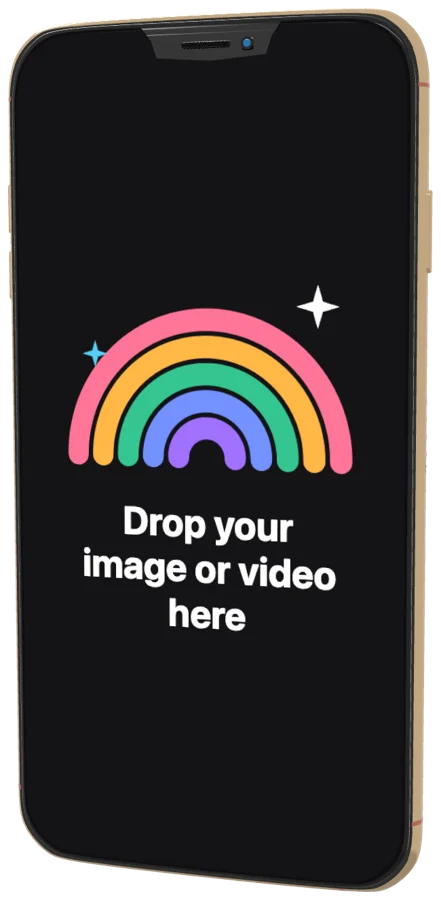 iPhone XS Max2018
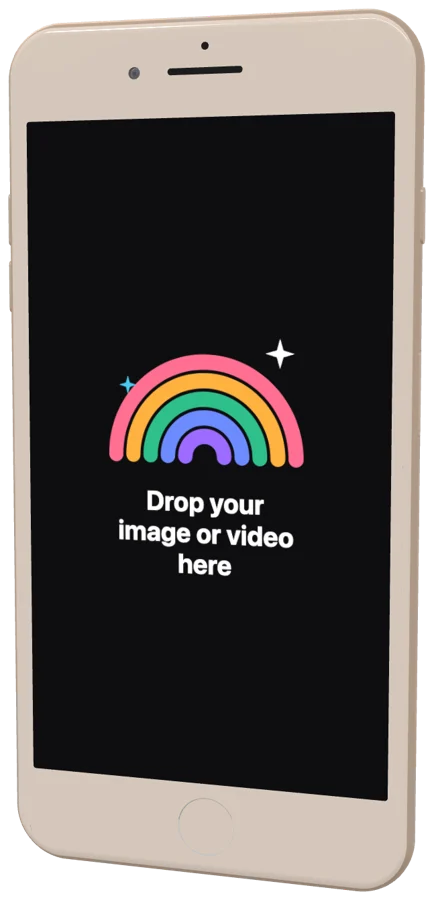 iPhone 8 Plus2017
Questions?

One screenshot.
That’s the whole brief.
Free for Mac. Apple silicon.
Web app and Figma plugin coming soon.