Studio light and shadows
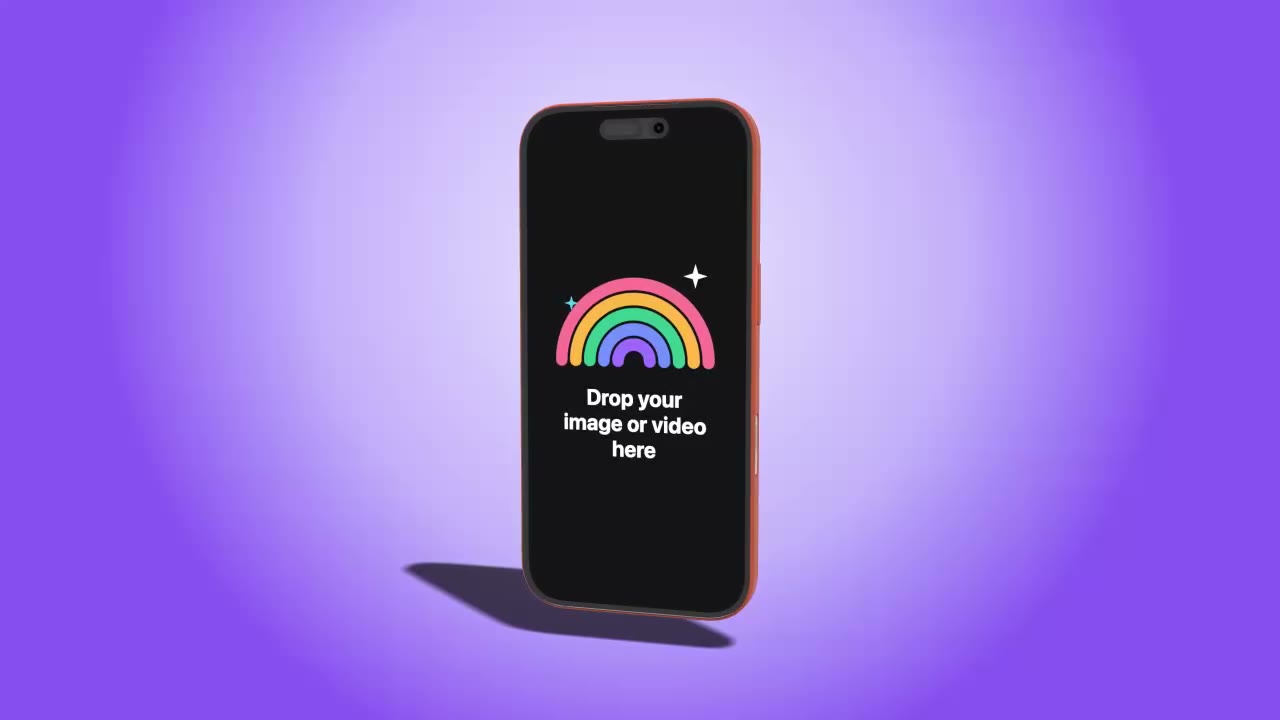
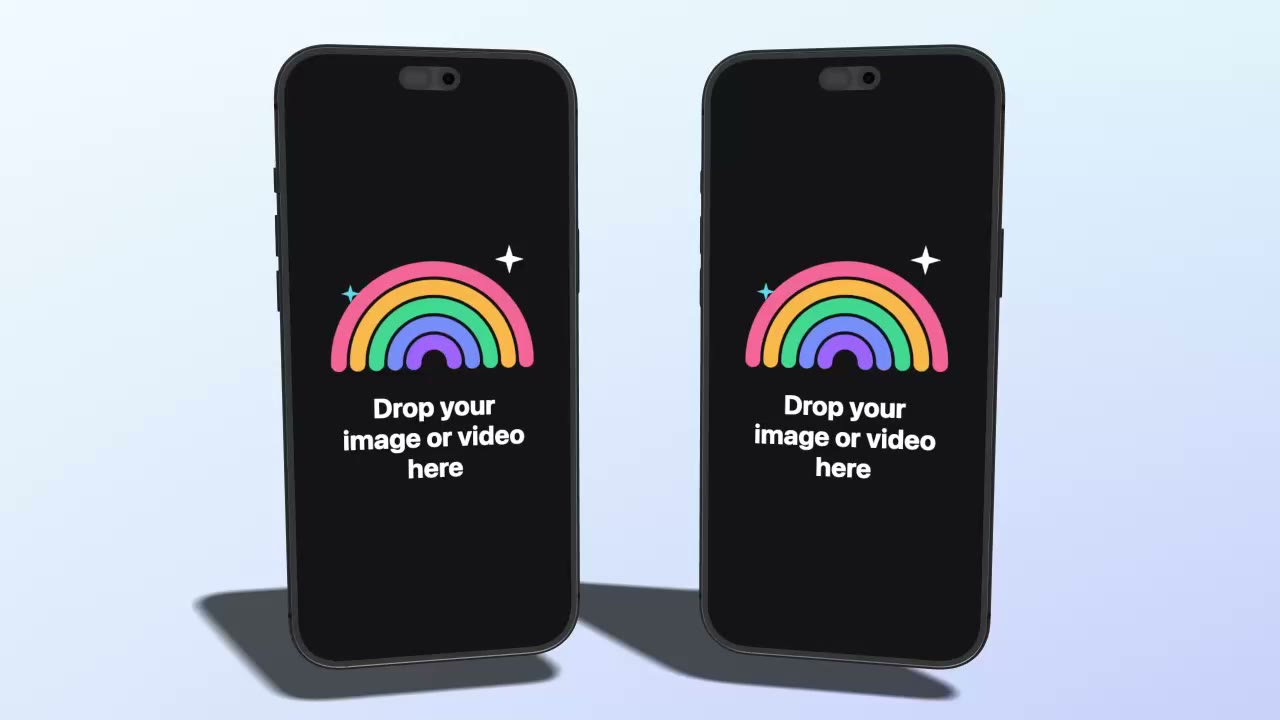
Turn the key light and the shadow moves with it. Soft, long or standing shadows.
3D device mockups, animated mockup videos and photo mockups in one Mac app. Drop a screenshot or a screen recording, pick a device or a template, export.
Every video on this page was made in Mockup Center.
Three tools in one
How it works
freemockup.video and Rotato make 3D device videos. Mockup Center does that too, with more templates than either, 8K export and 250+ photo mockups on top.
Prices and counts from rotato.app and freemockup.video, 5 November 2026. Mockup Center has a free plan too.
 freemockup.video
 170+ templates250+ photo mockups8K and ProRes
 Rotato
Templates
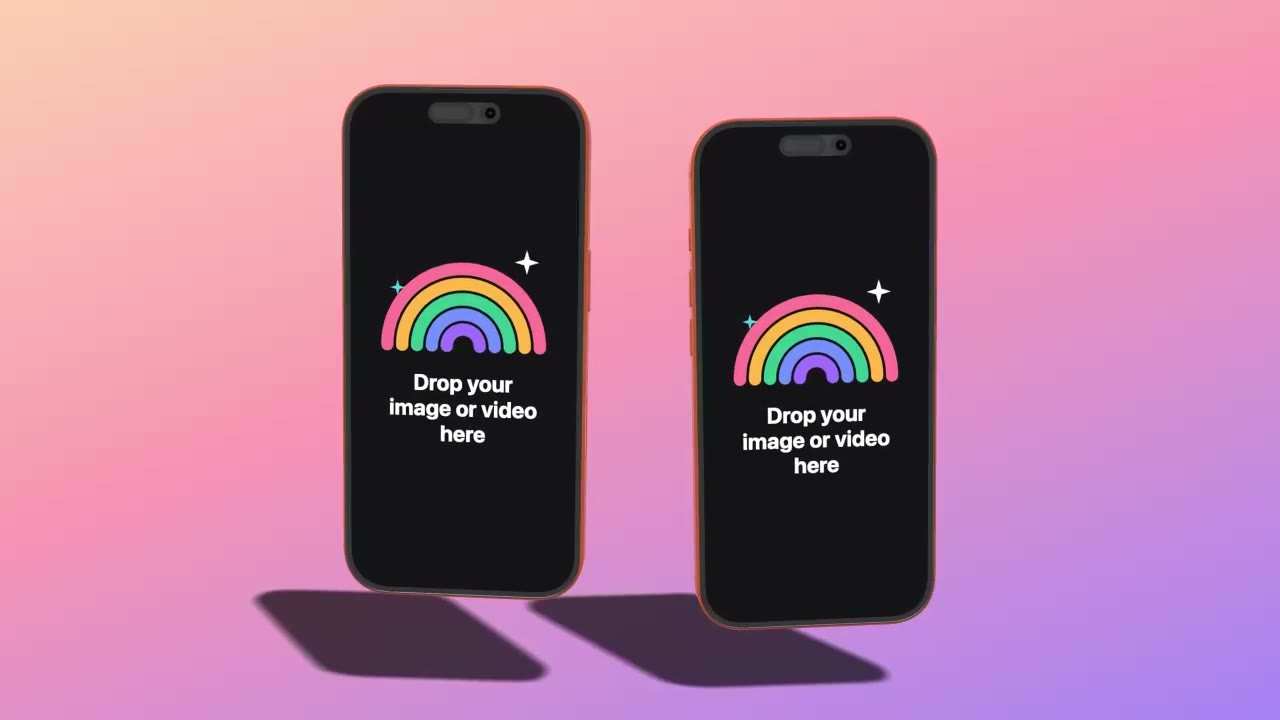
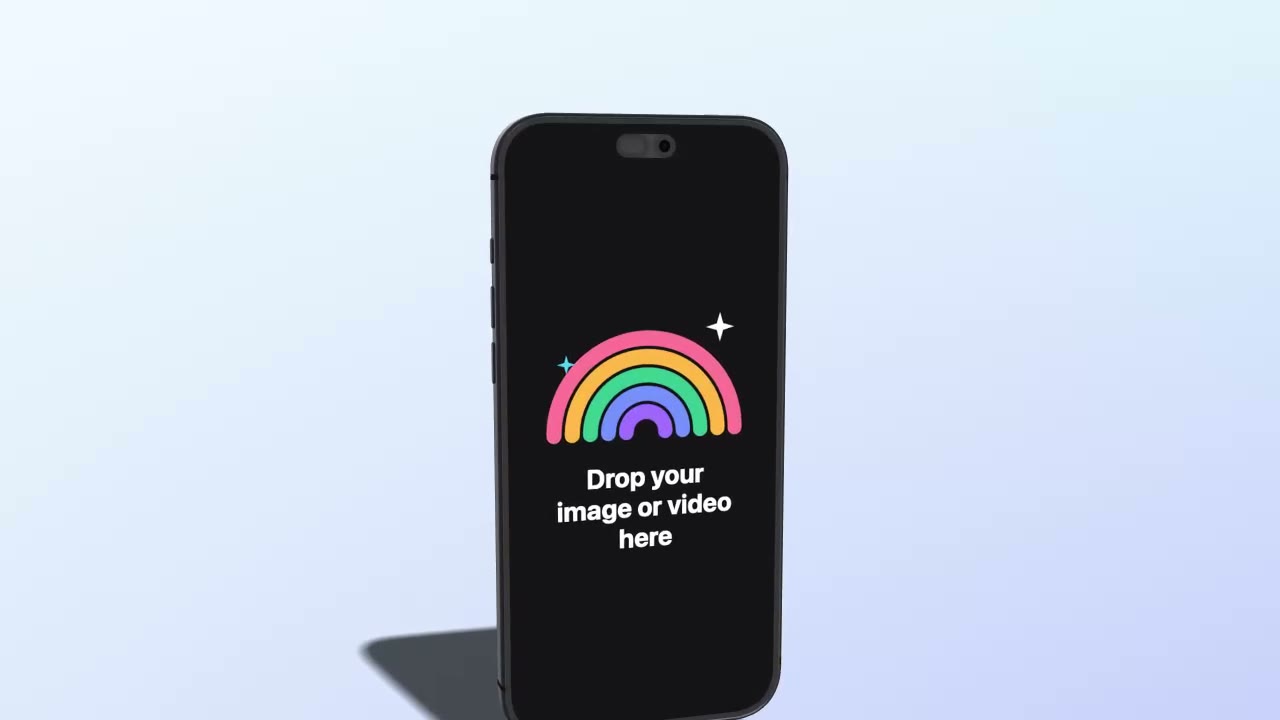
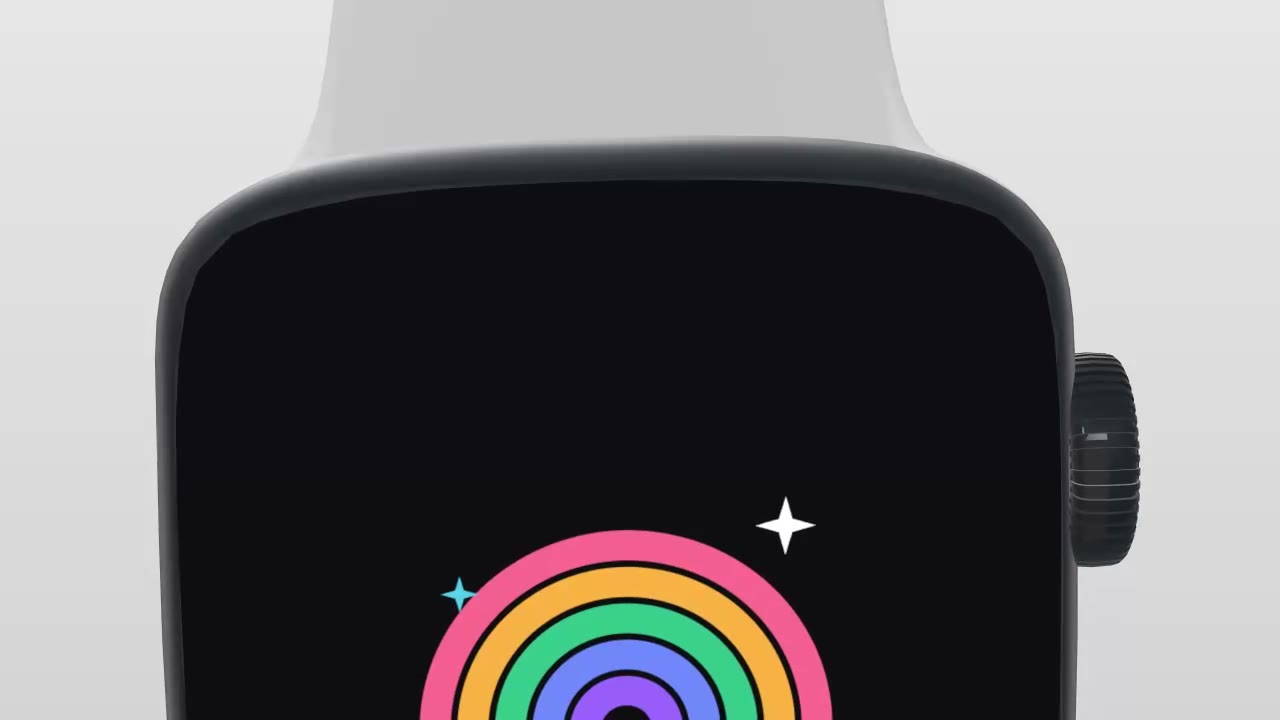
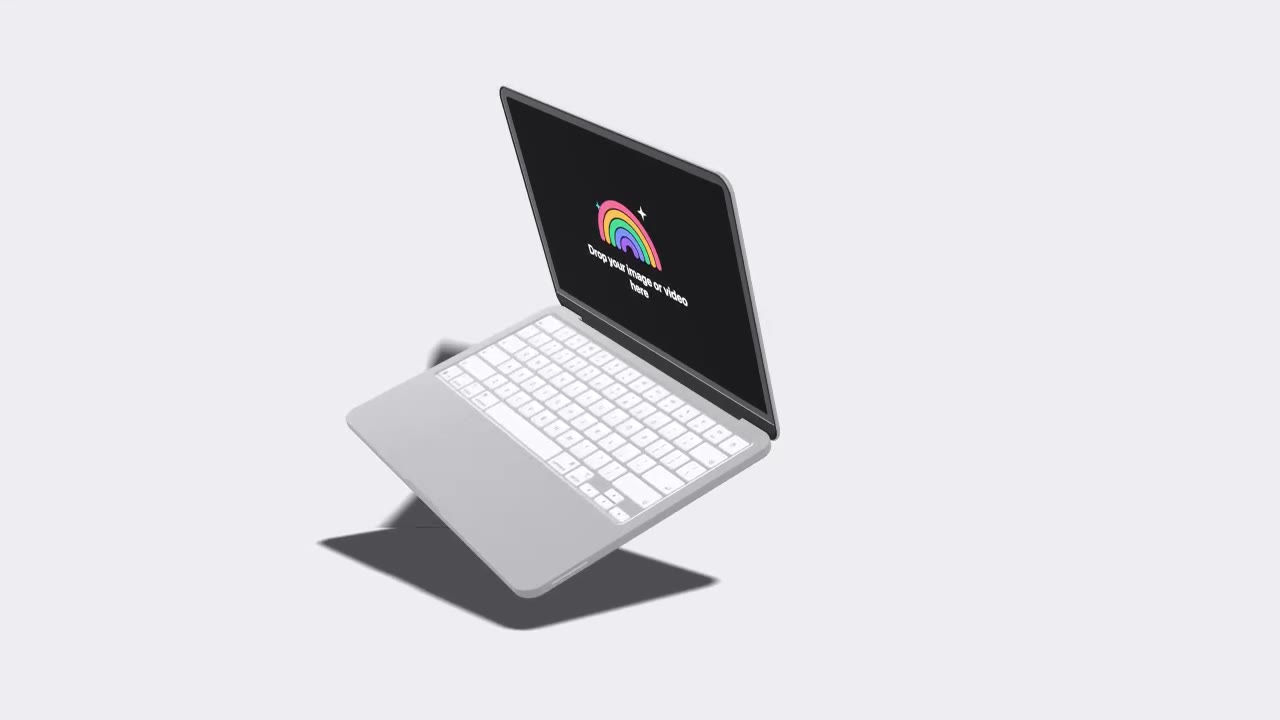
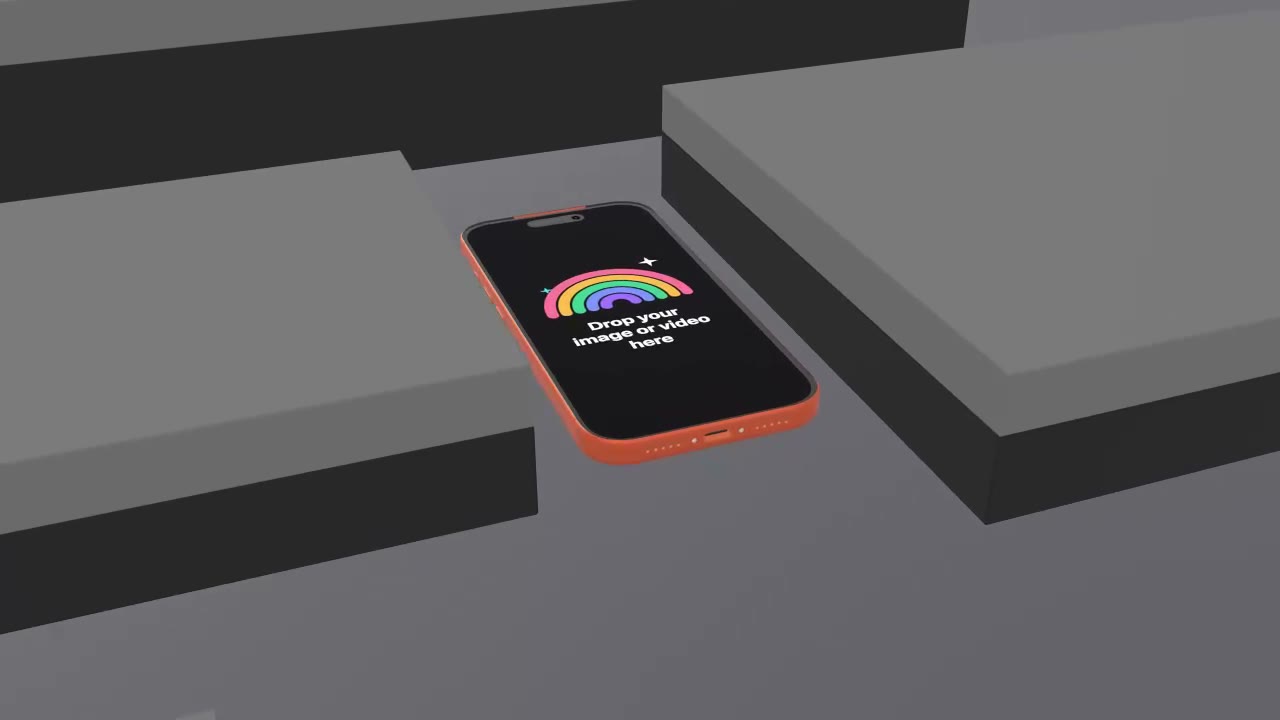
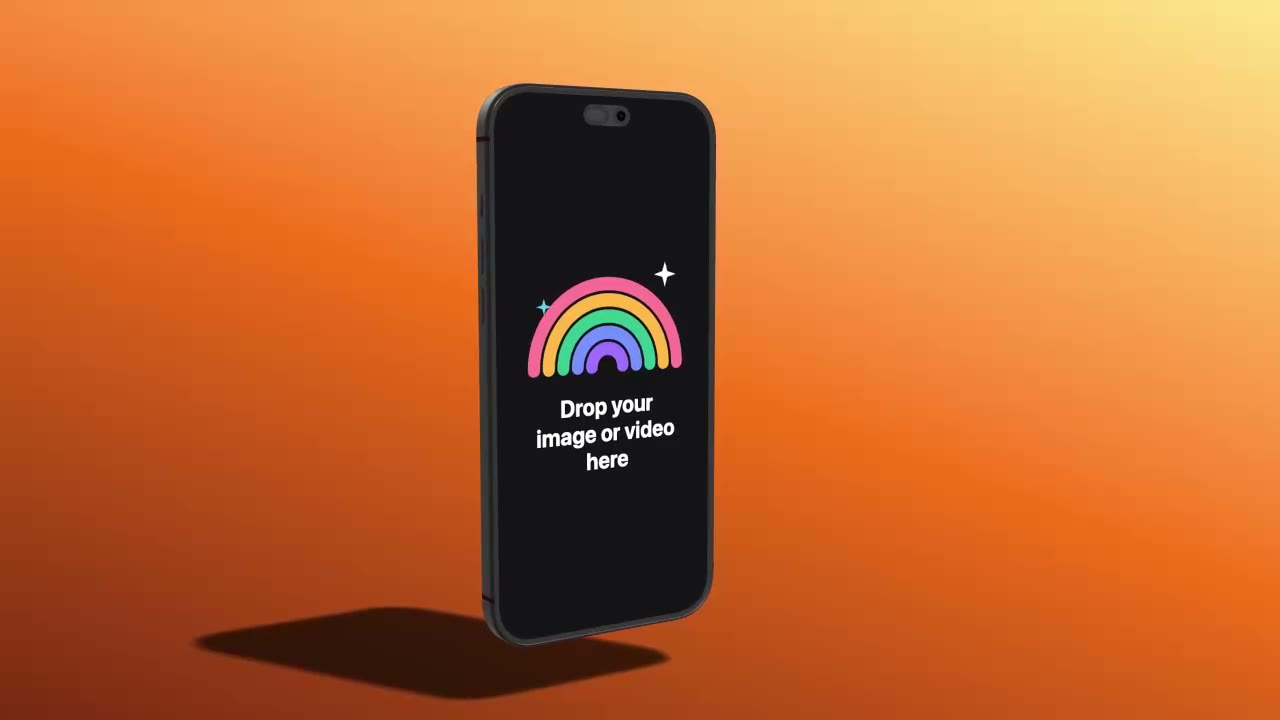
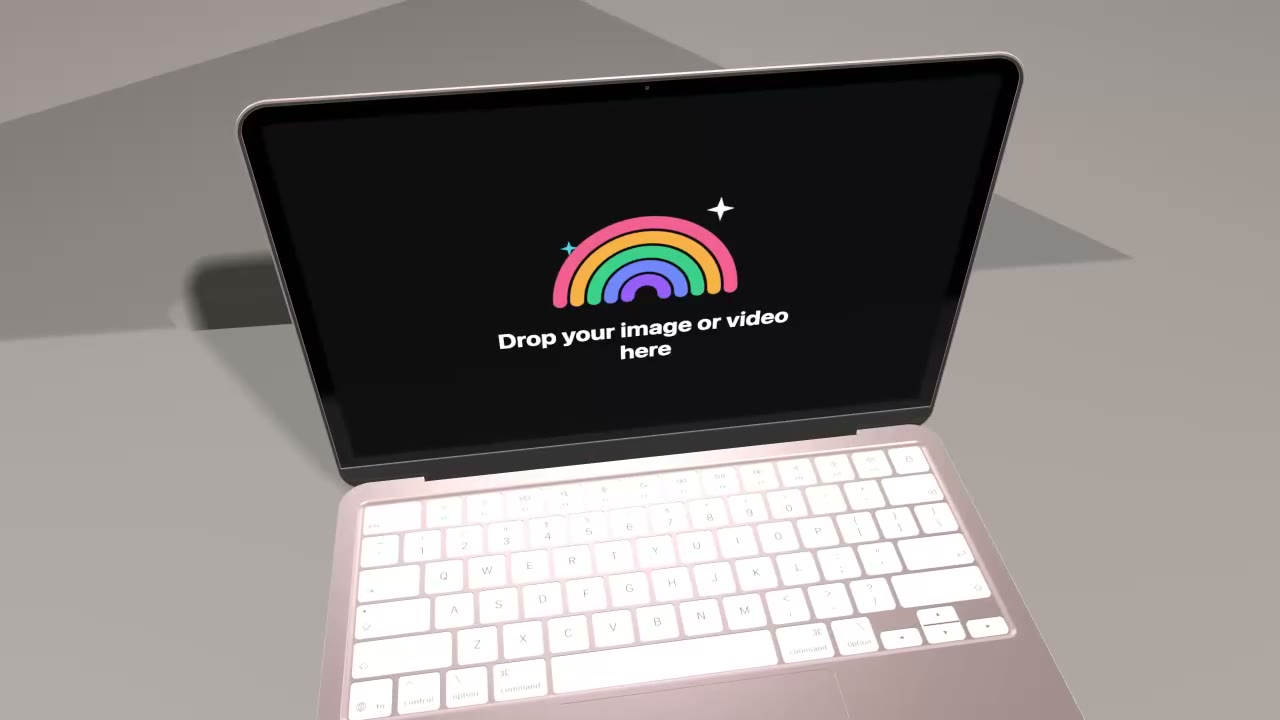
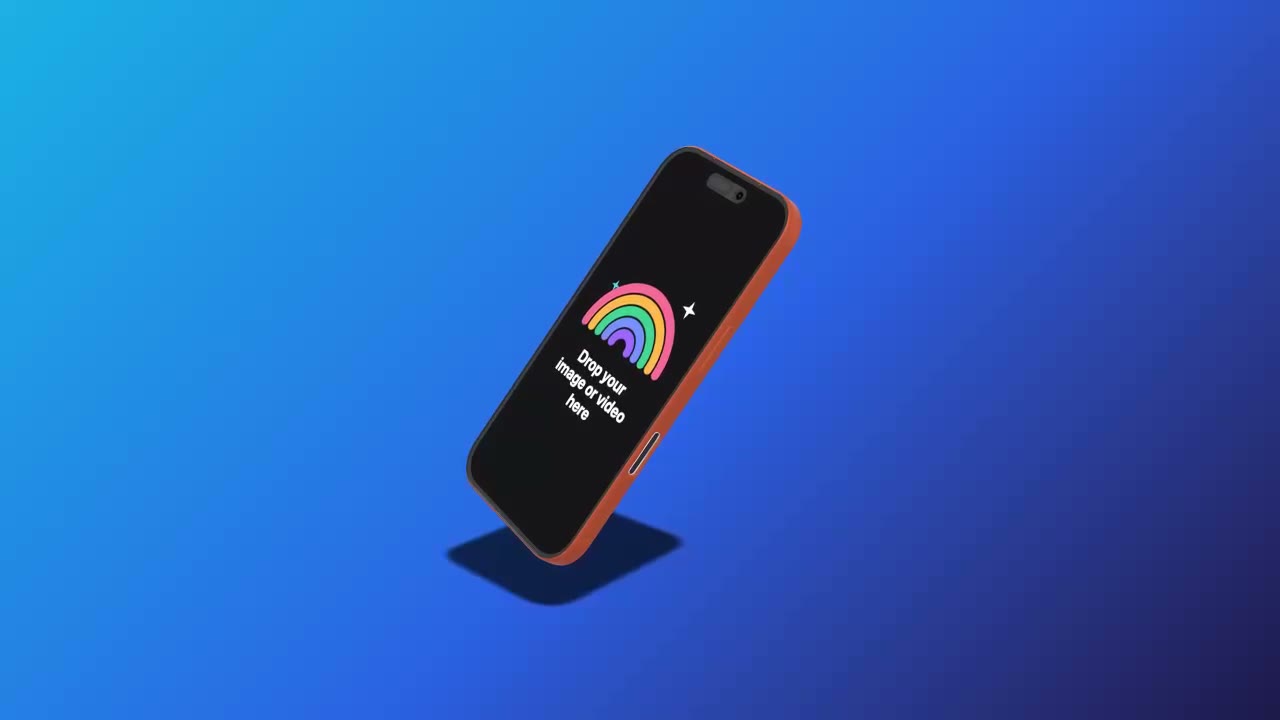
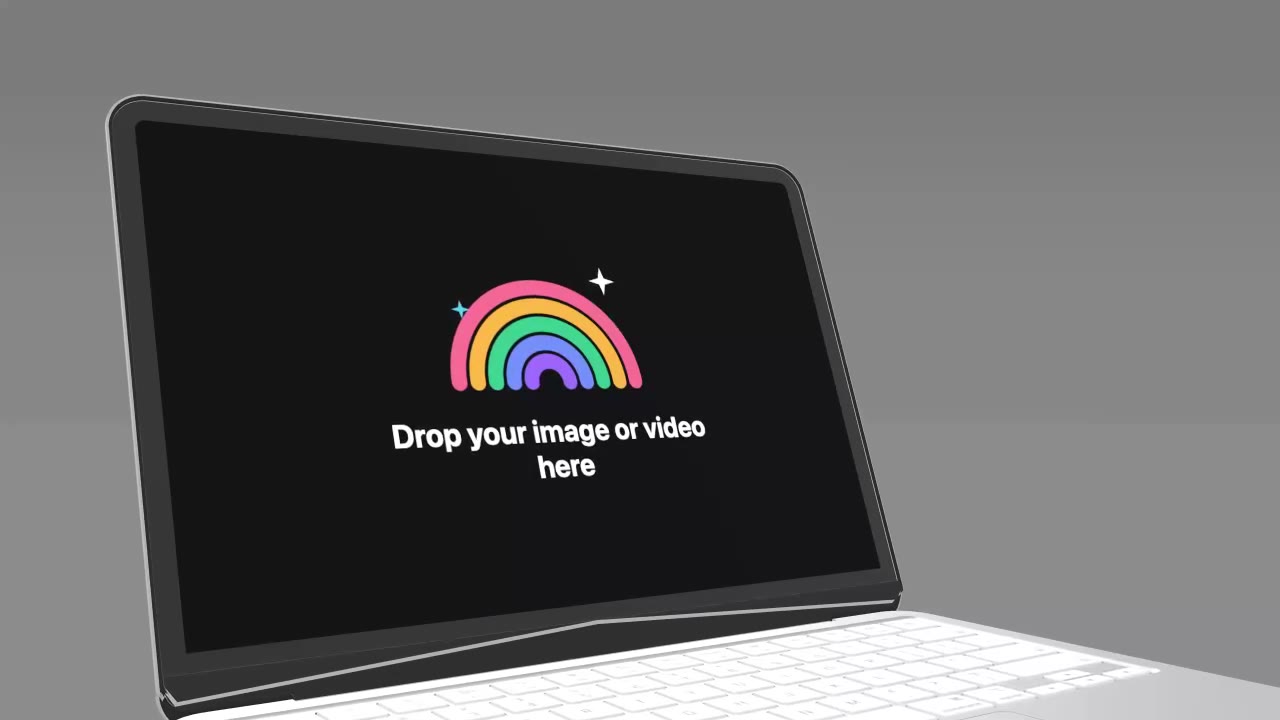
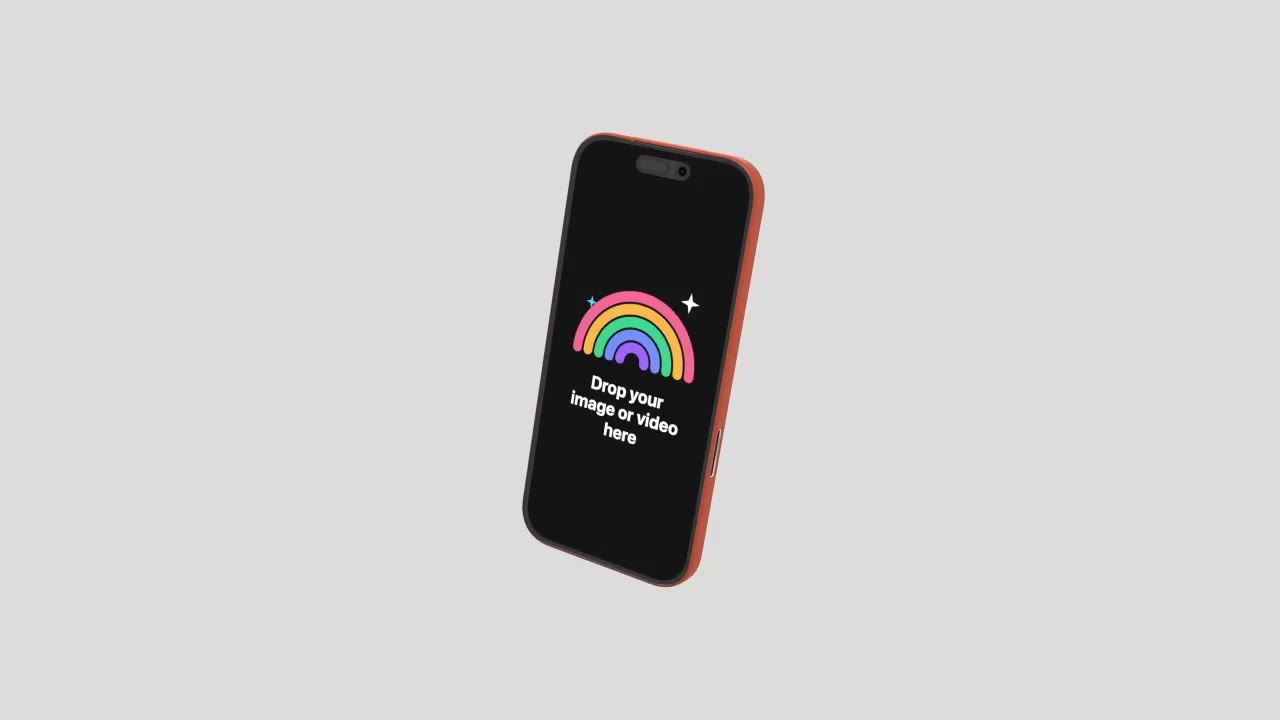
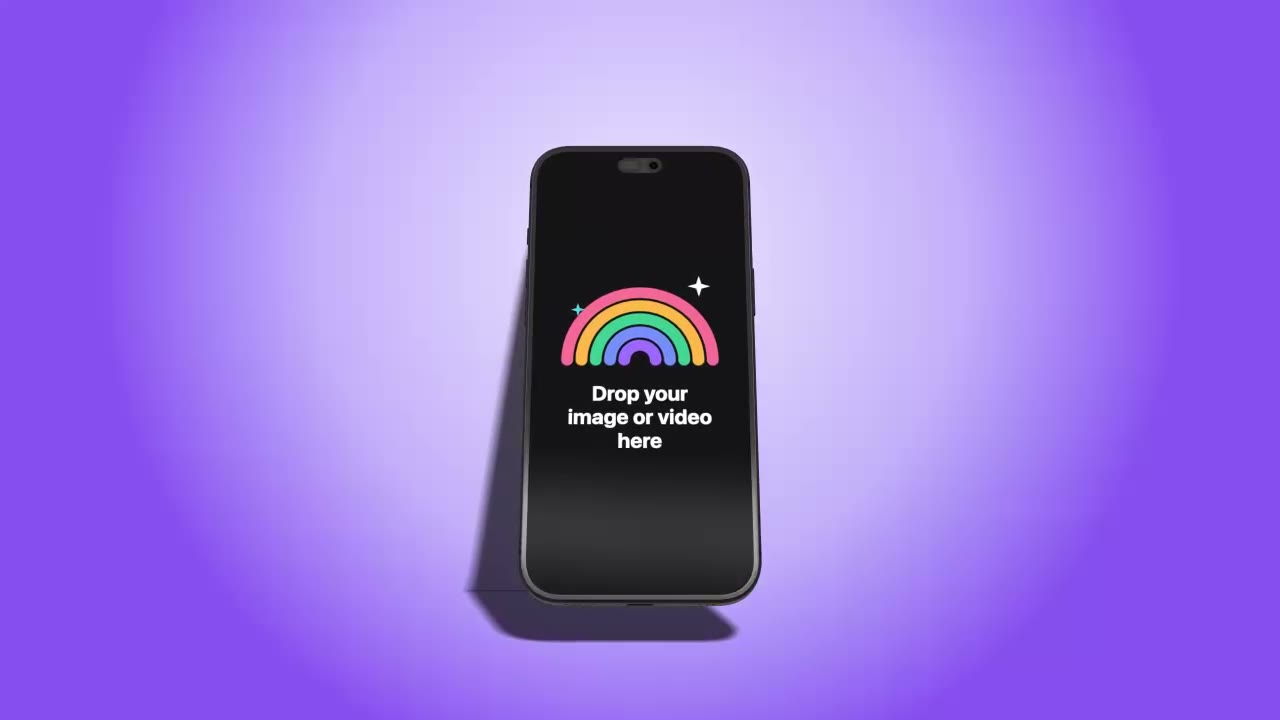
Open a template, drop your screenshot, export. Phones, tablets, laptops, monitors and watches.
0devices to choose from
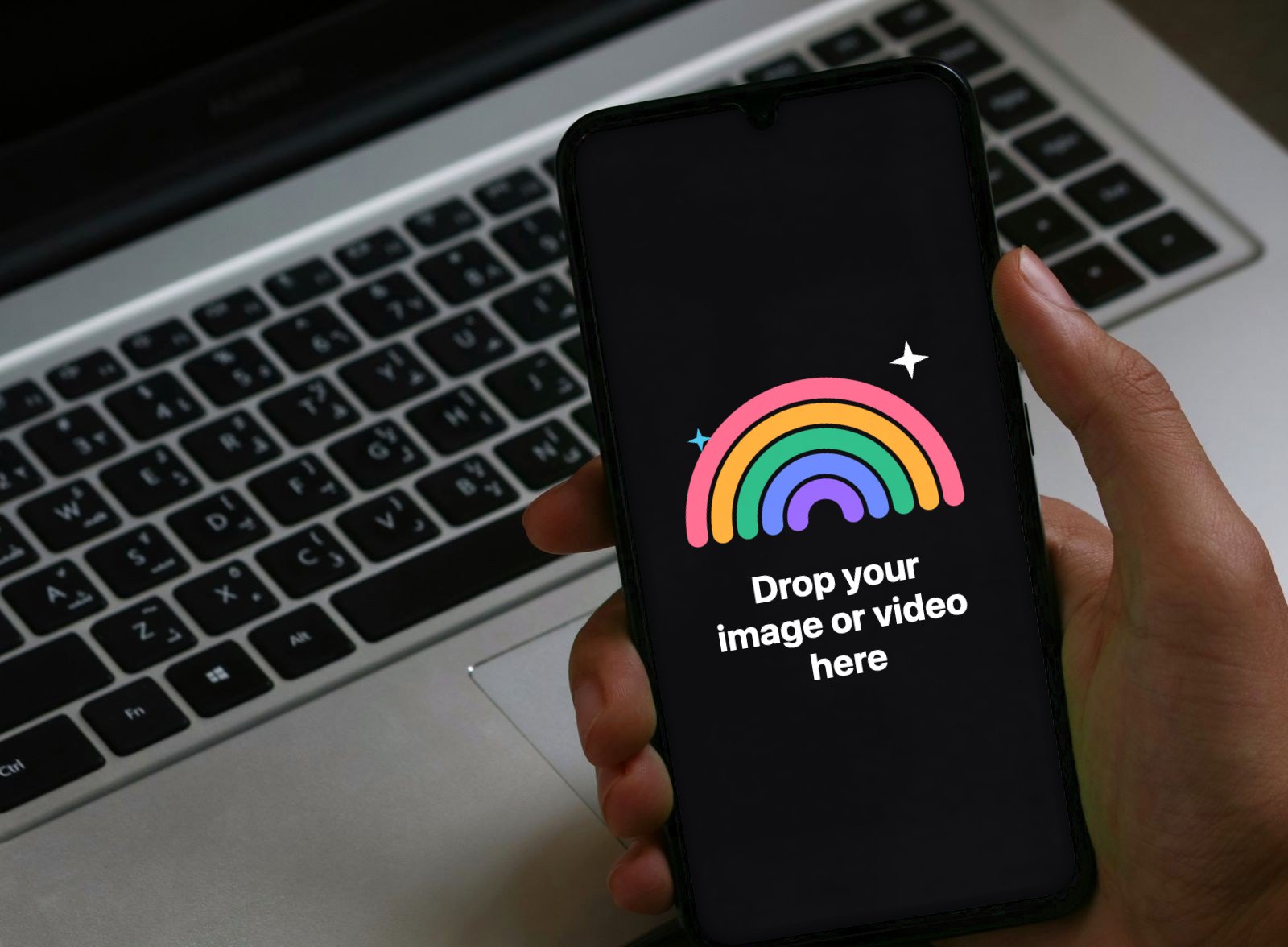
Photo mockups
Hands, desks, cafés and studio sets, shot on real devices. The screen is mapped for you; drop a picture or a video in.
The studio
Turn the key light and the shadow moves with it. Soft, long or standing shadows.
Stack animations in a row, change their length by dragging, reorder them, add your own keys.
Colours, gradients, your own image, or a transparent background for any editor.
16:9, 9:16 for Reels and TikTok, square, App Store sizes or your own width and height.
Put a screen recording in the device and it plays inside the mockup.
Up to 8K. MP4, ProRes 4444 and WebM with transparency, PNG and JPG. A whole batch comes as one ZIP.
Devices
Phones, tablets, laptops, monitors and watches, modelled in 3D. Pick one, drop your screen on it and move it however you like.
iPhone 17 Pro, iPhone 16, Galaxy S25 Ultra, Pixel 9, foldables
iPad, iPad mini, Galaxy Tab, Pixel Tablet
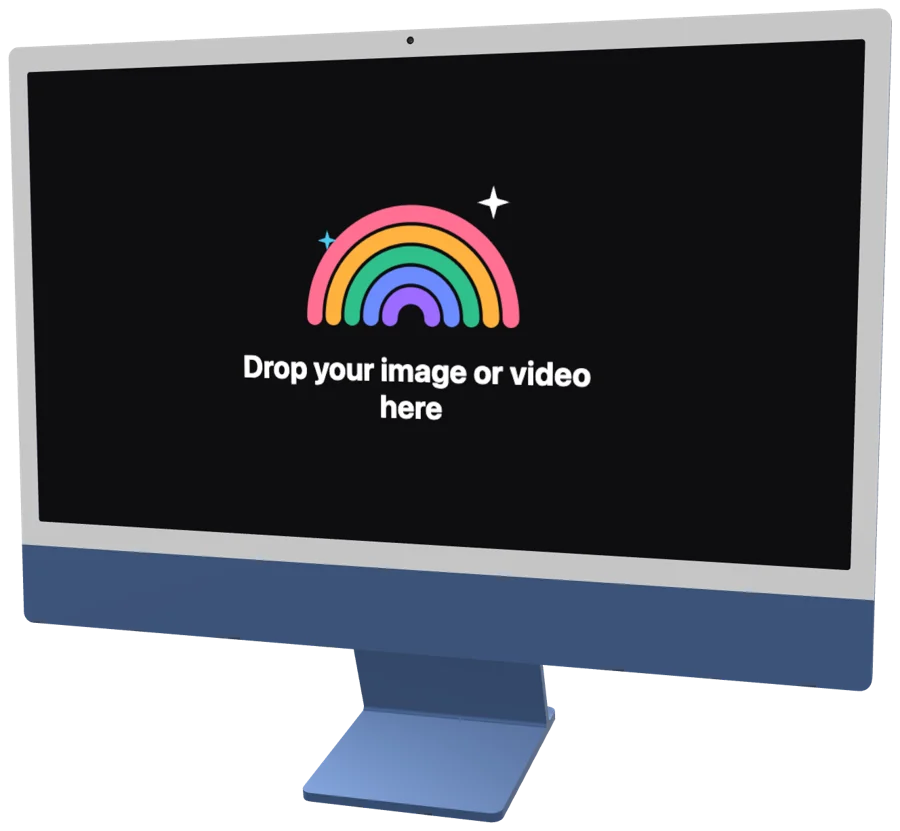
MacBook, iMac, Surface Laptop, monitors and TV
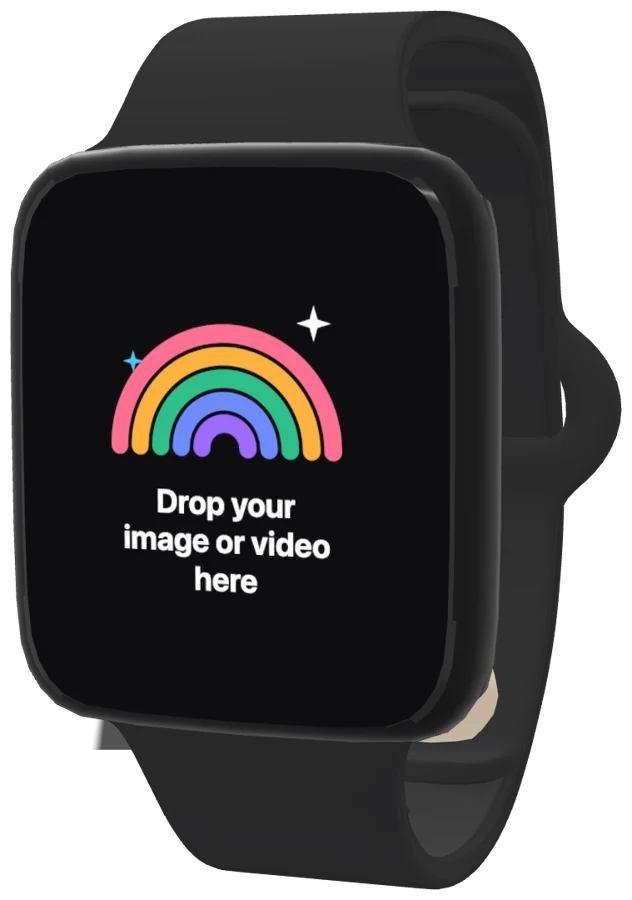
Apple Watch, Galaxy Watch and more
Inside the app
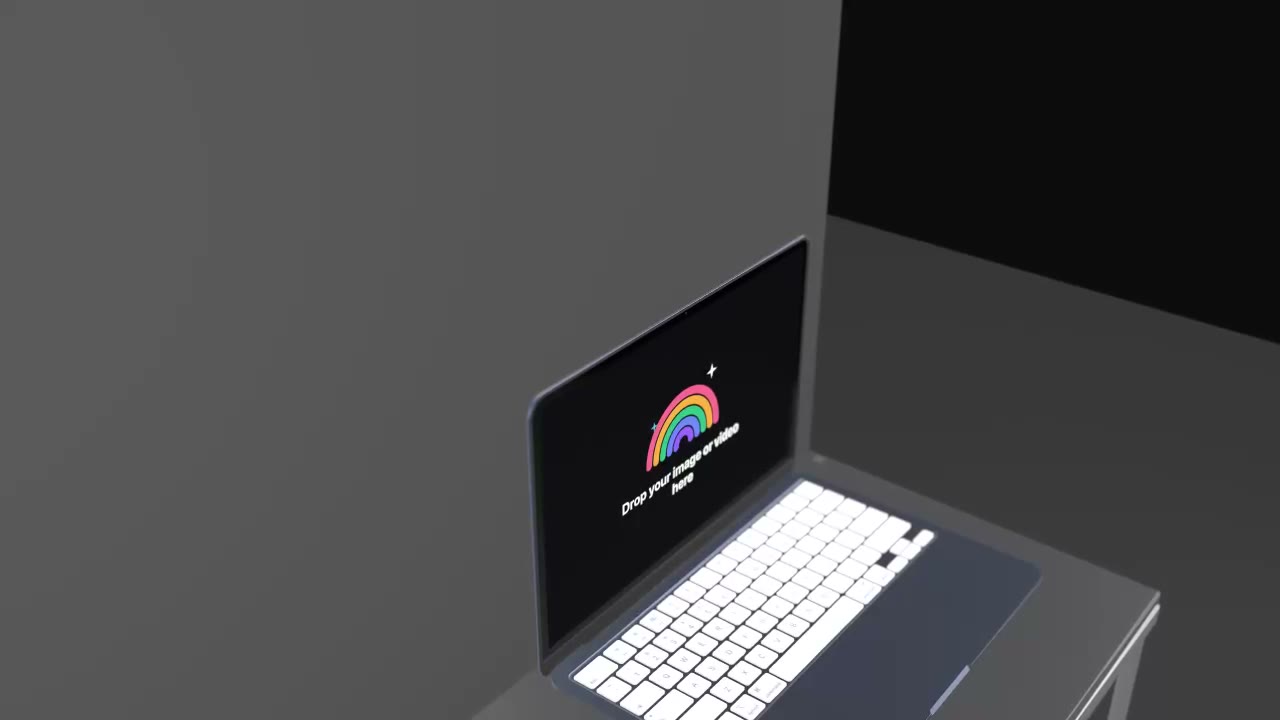
Set a laptop's lid to any angle, or animate it opening.
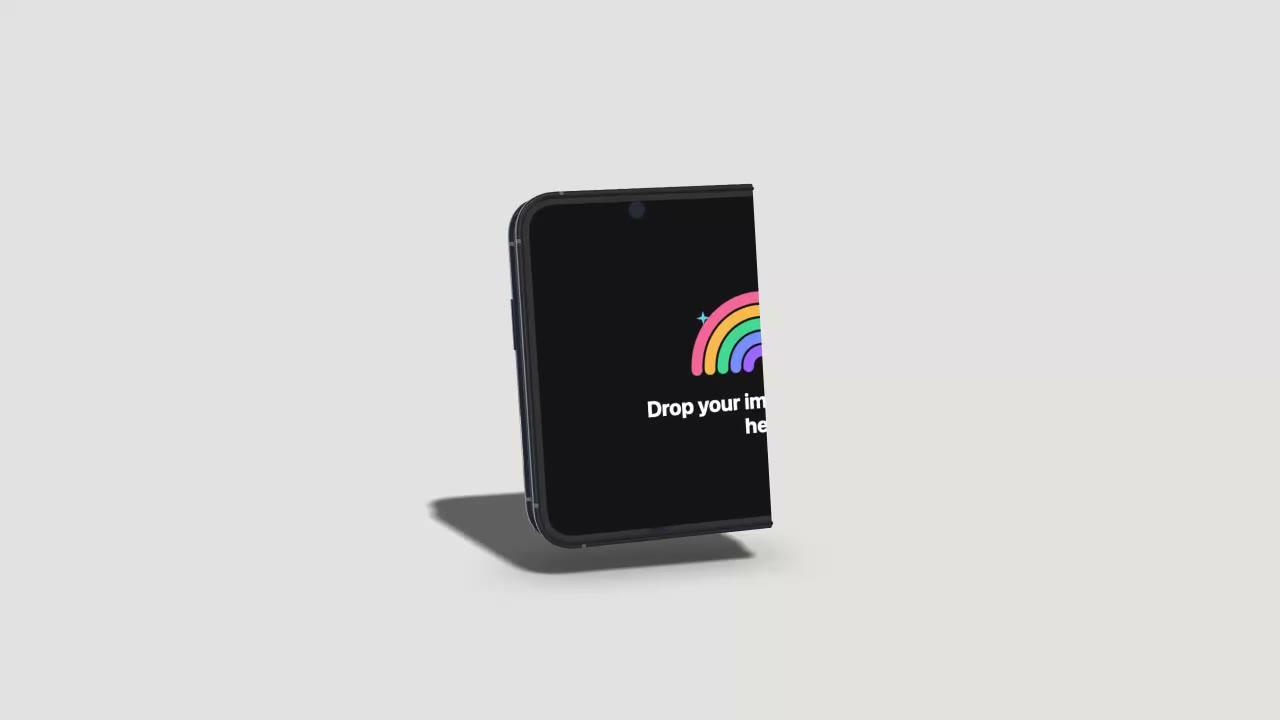
Foldables bend at the hinge, from flat to shut.
Video and stills up to 7680 pixels wide.
The device drops straight onto your Final Cut or Premiere timeline, without a background.
Frames for every iPhone and iPad size Apple asks for.
One device, one scene, every screen out in a ZIP.
Turn the device a quarter and the light and shadow turn with it.
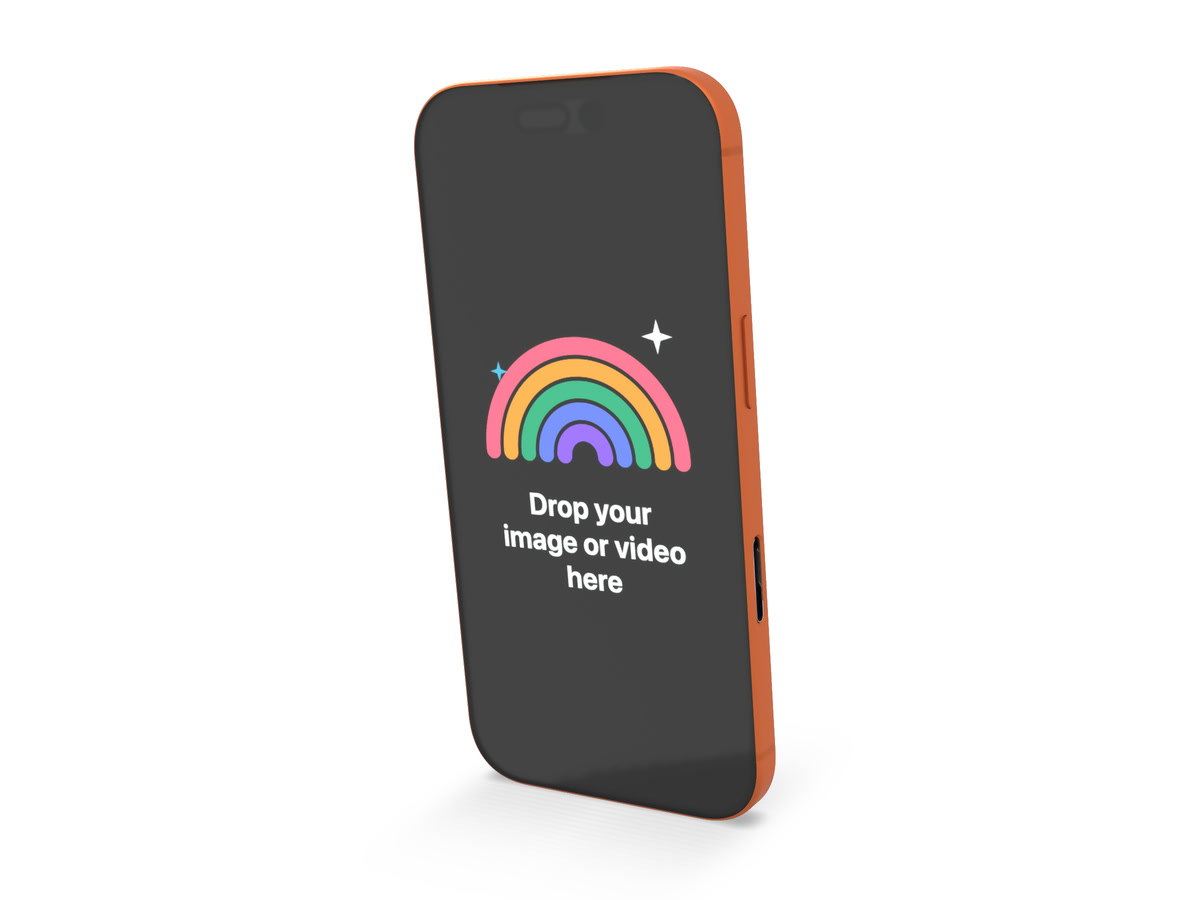
Path-traced stills with soft, believable light, for print and big hero images.
Add a track, line it up with the motion, and it plays in the exported video.
Put a title or a caption next to the device and animate it the same way.
Your screens are rendered on your own computer. Nothing gets uploaded.
Ask Claude or ChatGPT for the video and they run the app for you over MCP.
Mockup Center for agents · Coming soon
Connect your account to Claude, ChatGPT or Cursor over MCP. Hand it your screenshots and say what you need: it picks the devices and templates, lines up the scenes and exports.
Make mockups without leaving your design file. The plugin takes the frame you select and puts the finished mockup back on your canvas.
Pricing
The free plan has no time limit. Pro opens every device, template and export, billed monthly or yearly.
Mockup Center
Free
To try the app on your own screens.
Mockup Center Pro
$6.58a month
$79 billed yearlySave 49%
Compare prices
freemockup.video and Rotato make 3D device videos. Mockup Center does more, for $79 a year.
| freemockup.video |  Mockup Center | Rotato | |
|---|---|---|---|
| Price | $72 | $79 | $199 |
| How you pay | Yearly subscription | Yearly subscription | Every year, for updates |
| Runs on | Browser | Mac app | Mac app |
| Devices | 16 | 65 | 30+ |
| 3D device videos | |||
| Photo mockups | 250+ | ||
| Animated templates | 54 | 170+ | 150+ |
| Timeline and keyframes | |||
| Largest export | 4K | 8K | 8K |
| ProRes and transparent video | |||
| Several devices in one scene | |||
| Free plan |
Prices from each maker's own pricing page, 5 November 2026. Rotato is Premium, the plan with 8K and every template. It includes 12 months of updates; after that you buy again to keep getting them.
Free for Mac. Apple silicon.
Web app and Figma plugin coming soon.