
iMac mockup
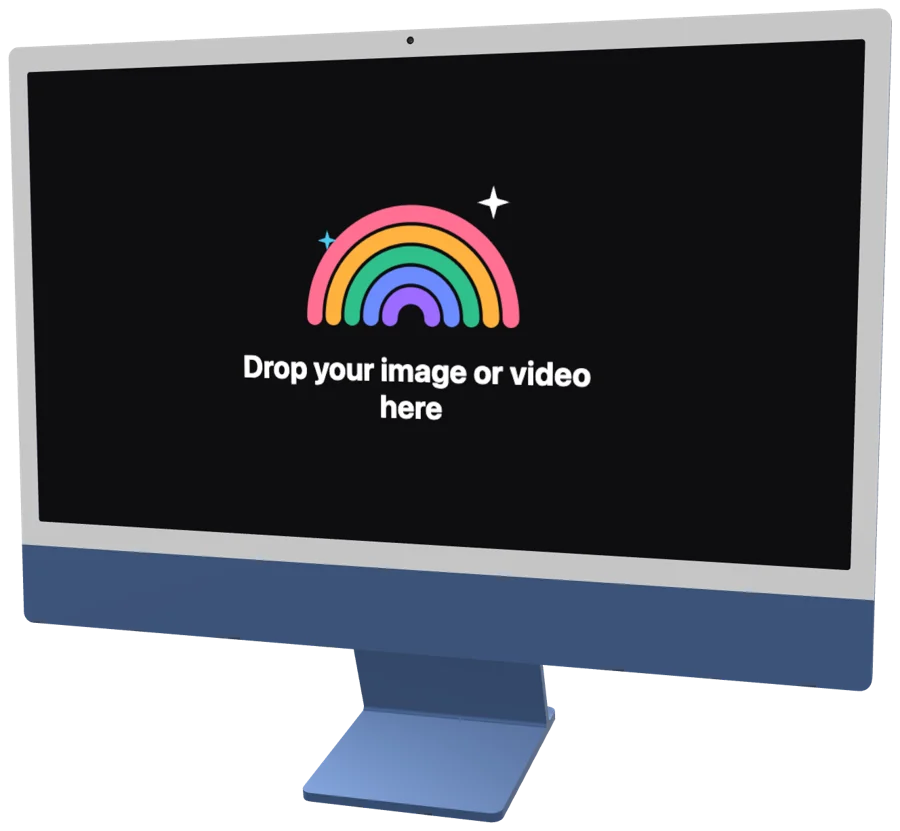
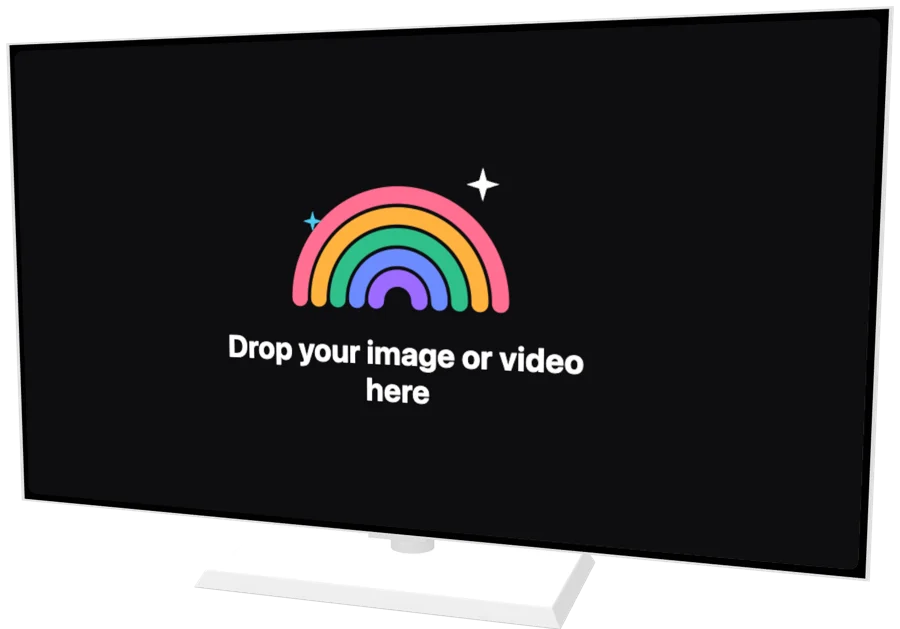
Put your screenshot on 2 3D iMac models, from iMac 24", TV (Frame-style). Turn it, light it, animate it and export an image or a video.
How it works
- 1
Drop your screenshot
A screenshot, a screen recording or a whole set of them. They land on the device's screen.
- 2
Pick a device or template
Turn and light the 3D device yourself, or open an animated template and keep its motion.
- 3
Export
PNG, JPG, MP4 or transparent WebM. A batch downloads as one ZIP.
What you can make with a iMac mockup
3D iMac renders
Rotate the iMac to any angle with studio light and a shadow that follows it.
iMac mockup videos
Animate the desktop with ready templates or your own keyframes, then export MP4 or WebM.
Photo mockups
Real photographs with a desktop whose screen is already mapped for your design.
Transparent background
Export PNG or video without a background for slides, sites and editors.
iMac mockup
Questions?
Related pages

One screenshot.
That’s the whole brief.
Free for Mac. Apple silicon.
Web app and Figma plugin coming soon.